Robot Lawn Mowers | Automatic Lawn Mowers | Philips Home

Philips Garden Care

Automatic Robot Lawn Mowers

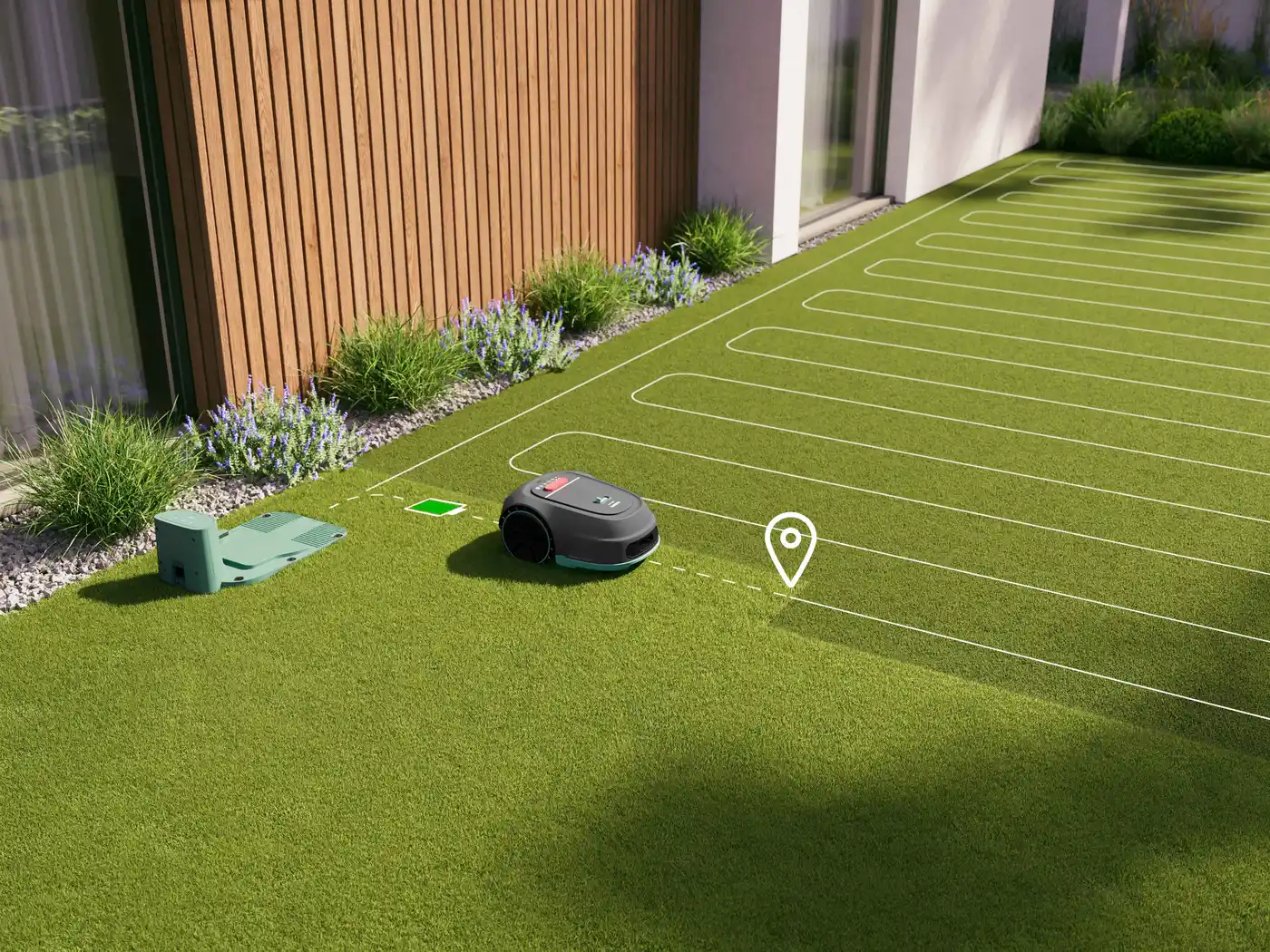
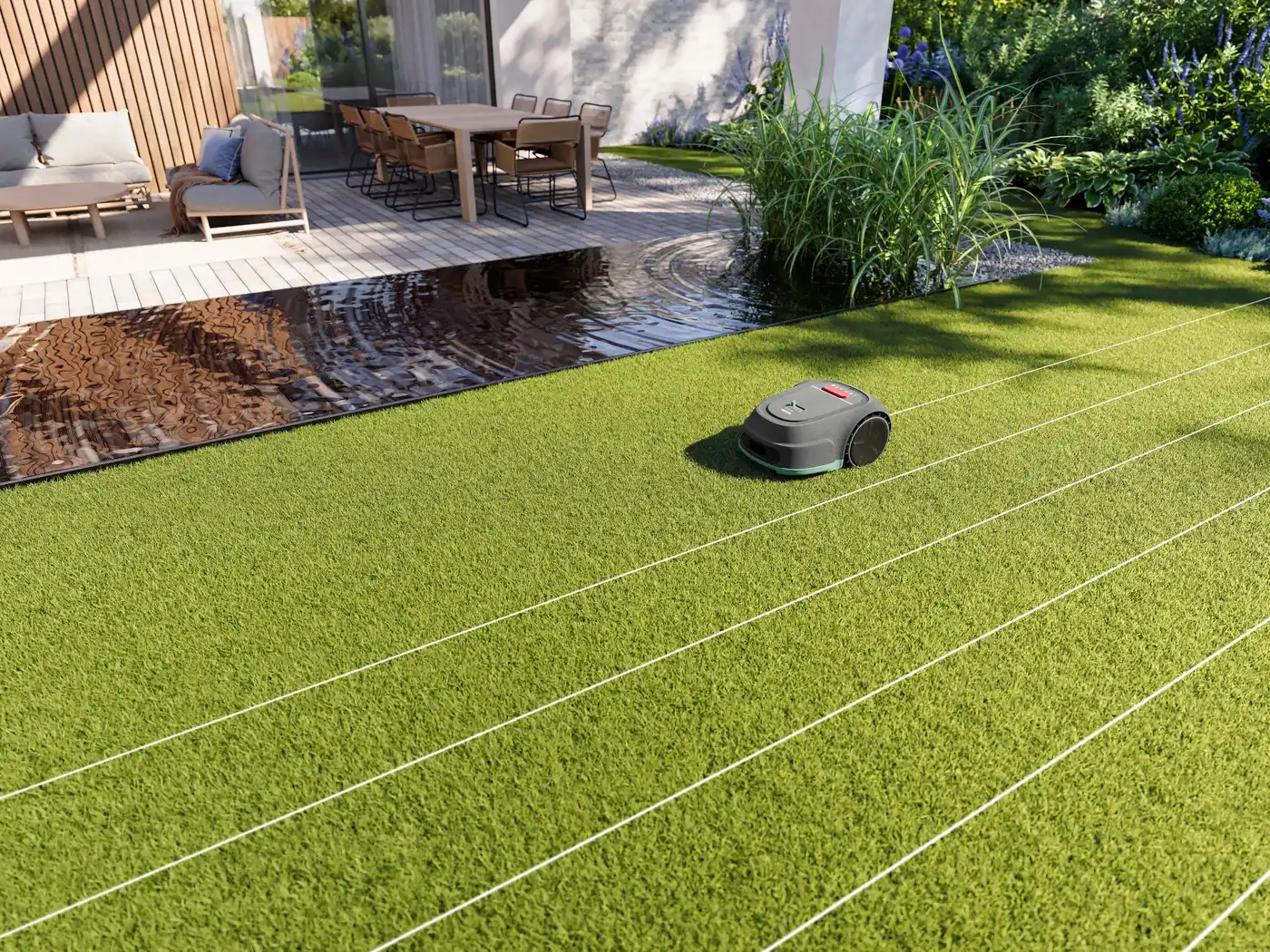
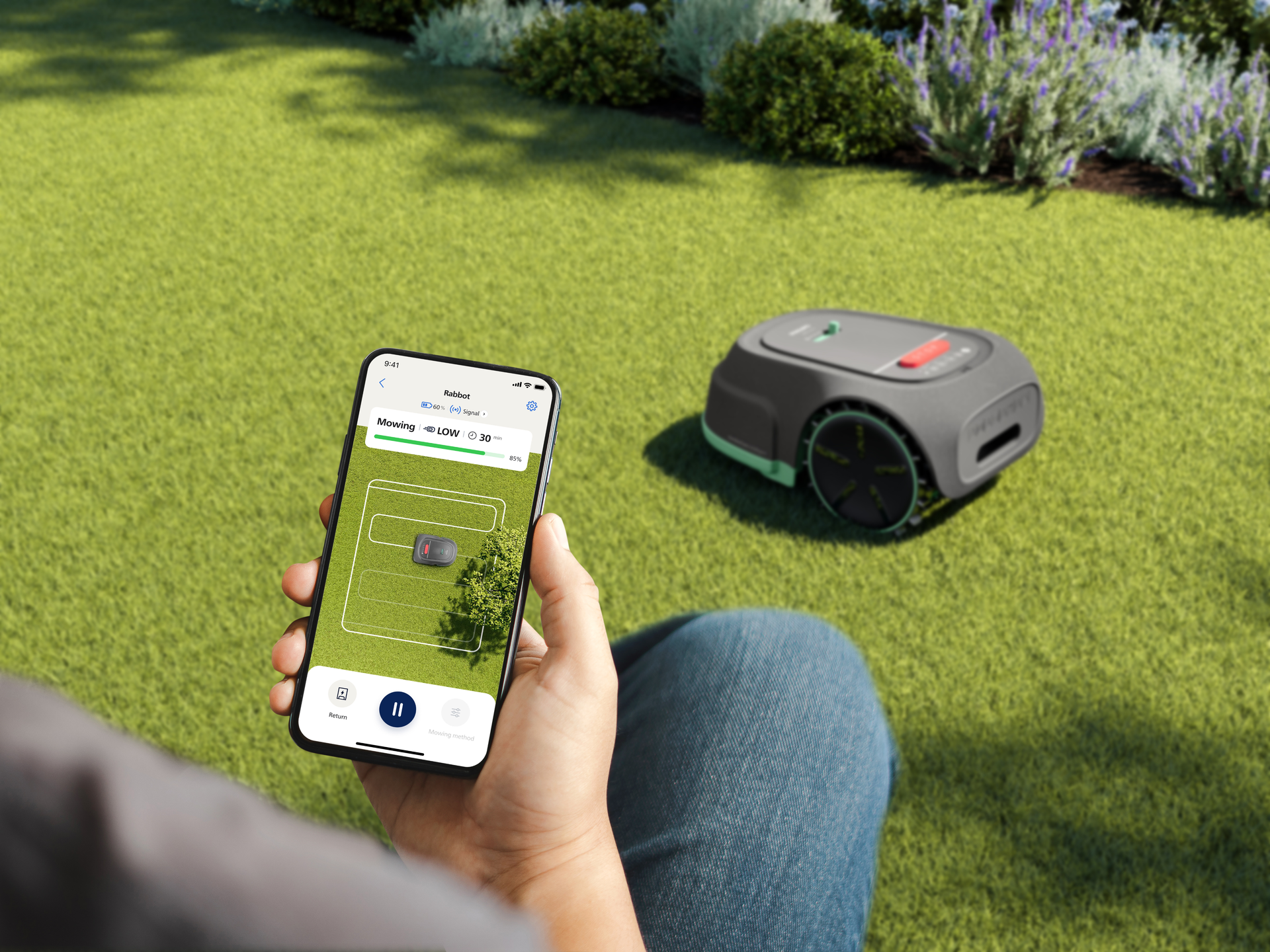
Discover the very best in efficient garden care with a Philips robot lawn mower. Neat and tidy gardens are easier to achieve than ever before with the help of a robot mower, simply sit back and relax while its smart technology takes care of your outdoor space. GPS mapping ensures complete coverage and makes sure that your lawn is cut in neat parallel lines. Our convenient robot mowers also return to their base station automatically, ready to recharge. You can even set and monitor mowing schedules with just a few taps of your smartphone when you use the HomeID app. common.readLess

Close-up of the Philips Garden care series 3000 robot lawn mower on a table. Gray, black wheels, red start button, promising intelligent lawn maintenance.
Clarivate Top 100 Global Innovator ™

Clarivate Top 100 Global Innovator ™

Voted top for the 9th year in a row

2 year warranty and 30 day returns

2 year warranty and 30 day returns

Extended warranty and 30 day returns period

Free delivery

Free delivery

All purchases over £20 come with free shipping

Buy now, pay later

Buy now, pay later

Defer payment for up to 30 days - learn more

Revolutionizing lawn care with smart technology
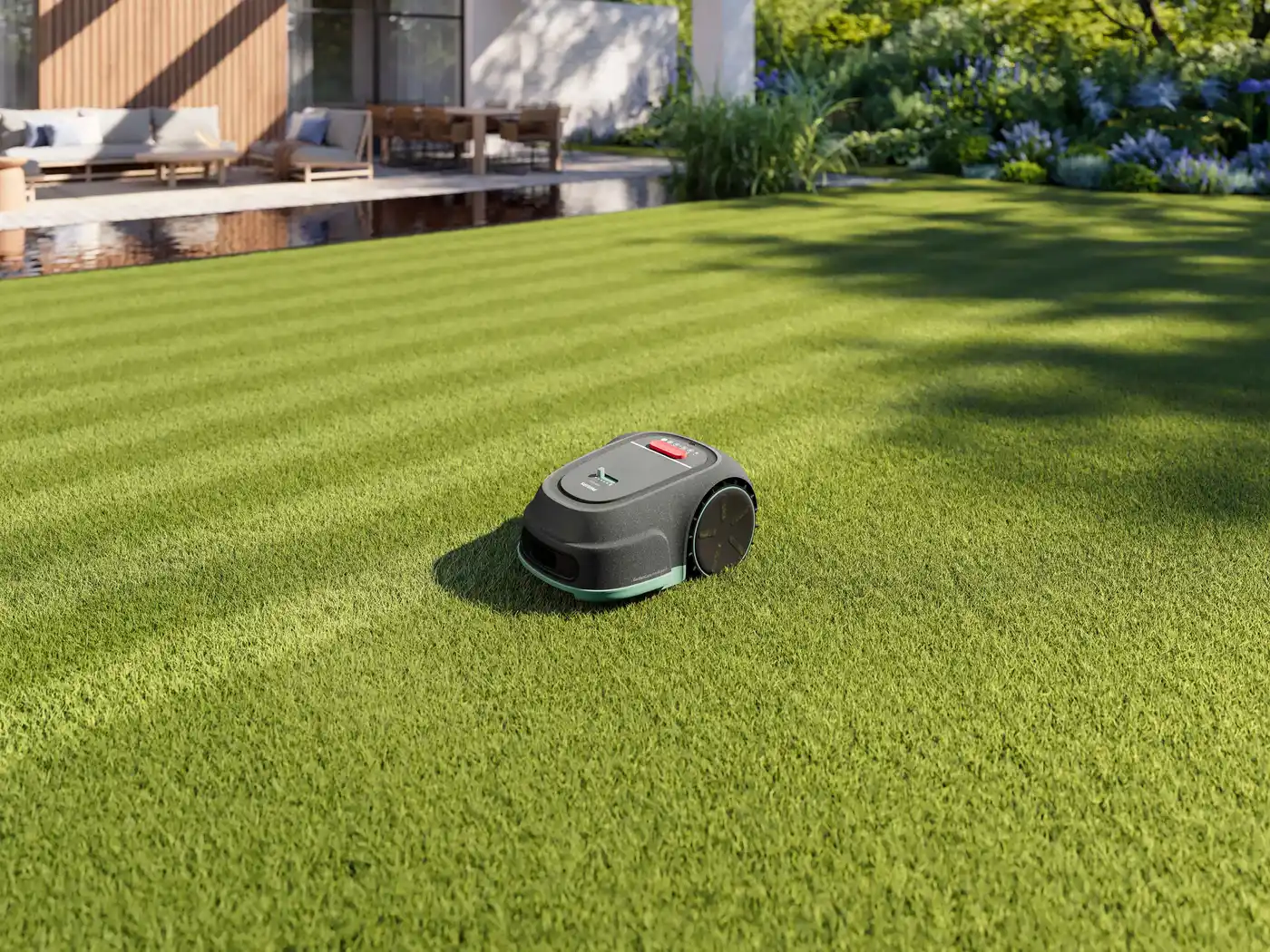
With our GardenCare Intelligent Technology, you get the job done three times faster than random mowing¹.

Why do I have to set the cutting height to 60 mm the first few times I start the lawnmower?

The first few times you use your lawn, set the cutting height to 60mm to prevent damage to the guide wire. It will normally take up to 4 weeks for the guide wire to settle and connect with the ground. During this period, you can gradually lower the cutting height to your preferred setting. To speed up installation, you can bury the boundary wire up to 30mm into the soil.

How do I repair the boundary wire of a Philips robot lawnmower?

If the boundary wire is cut or broken for any reason (S1/S2 indicator will flash, app will display warning messages), the damaged section must be located and repaired. Wire connectors will be required.

How to store your Philips robot lawnmower in winter?

During the winter, store your robotic lawnmower, base station and power supply in a dry place. We recommend a shed, garage, closed room or use our Winter Service to store your robotic lawnmower in our Winter Hotel.

Where can I find the model number and serial number of my Philips robot lawnmower?

You can find information about the model number and serial number of your Philips Robot Lawnmower on the bottom of the robot lawnmower and on the back of the base station.

Can the Philips Robot Lawnmower be used in rain, snow, hail or fog?

The robotic lawnmower can be used in light rain and fog, but it is not recommended. However, to get the best mowing results, it is not recommended to mow in the rain. Mowing in the rain may cause the grass to stick to the product and the robot to slip.

How to download the HomeRun app?

Scan the QR code on the box or search for the Philips HomeRun robot app in the Apple App Store or one of the Android app stores. You can control your robot with the Philips HomeRun robot app. The app lets you manage your robot lawnmower and provides help and support.

How to unblock a Philips robot mower?

Each time you press the on/off button to turn on the mowing robot, the device automatically enters PIN code mode, you must enter the correct 4-digit PIN code and confirm by pressing the button to unlock.

How do I reset the PIN code of my Philips robot lawnmower?

After the robotic lawnmower is powered on, press the Start button and the Home button at the same time for 3 seconds to enter the PIN reset mode. The S1 indicator, S2 indicator and power indicator will flash. To reset, press the 4 digits and the confirmation button. After the reset is successful, the indicators will stop flashing, indicating that the robotic lawnmower has been successfully reset and unlocked.

How to clean the chassis and cutting disc?

Before cleaning and maintenance, disconnect the power supply and turn off the robotic lawnmower.

After turning off the robotic lawnmower, lay it on its side. Use a soft brush or damp cloth to clean the undercarriage and blade disc, or wash the robotic lawnmower with a soft hose in the middle of the lawn. Be careful not to touch the blades with your hands and use protective gloves when cleaning.


Shop our other products
 

Free delivery

Free delivery

All purchases over £20 come with free shipping

Buy now, pay later

Buy now, pay later

Defer payment for up to 30 days - learn more

Emissions offset

Emissions offset

We compensate all CO2 emissions on all shipments of our Philips shop.

undefined

Turning houses into homes for +130 years

Designing home appliances for your home while caring for our home planet